Page 7 of 21
Step 2 of 7
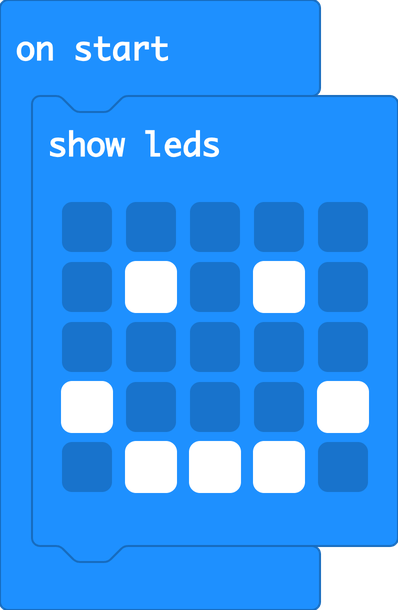
From Basic, drag show leds into on start. Click the squares to draw a picture. Click Download. Does your picture appear on the micro:bit?


 Robot LabRobot Lab