Page 11 of 29



Step 3 of 9
3
Step 3: Start a project with the servo blocks
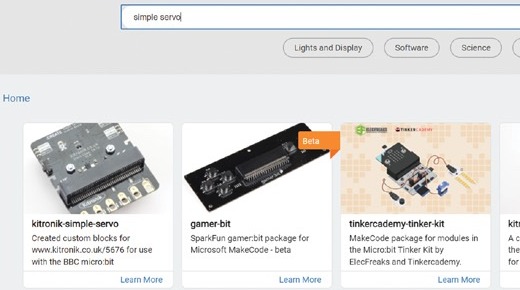
Go to makecode.microbit.org in Chrome or Edge, click New Project and call it robot. Click Extensions, at the bottom of the block menus, search for simple servo and click kitronik-simple-servo. A green Servo menu appears. Plug in the micro:bit with the USB cable, click the three dots next to Download, then Connect device, and follow the steps.